
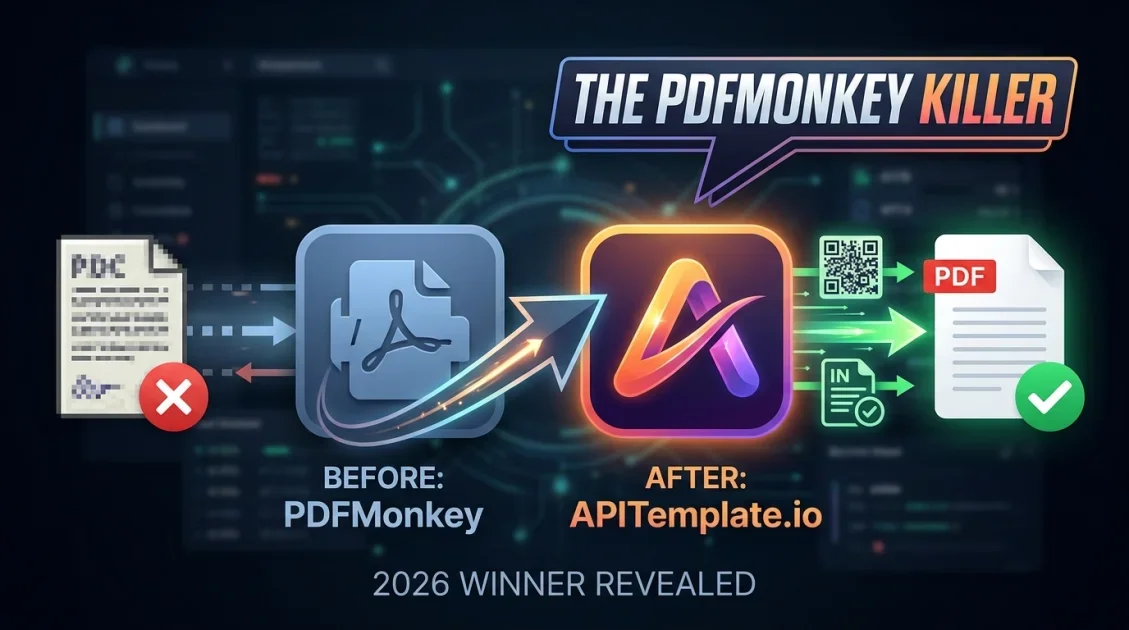
If you're evaluating a PDFMonkey alternative, APITemplate.io is the strongest option for teams that need a template-based PDF generation API with more flexibility around invoices, certificates, and QR-code driven documents. Both tools let you turn JSON data into finished PDFs using reusable templates, but they differ in editor style, integration depth, and how far you can push automation before hitting a wall. This guide breaks down where each tool wins so you can decide whether switching makes sense for your stack.
In this article
- Why developers look for a PDFMonkey alternative
- How APITemplate.io compares to PDFMonkey
- Features APITemplate.io offers that PDFMonkey doesn't
- Pricing: what changes when you switch
- How to migrate from PDFMonkey to APITemplate.io
- FAQ
Why Are Developers Looking for a PDFMonkey Alternative?
PDFMonkey built its reputation on a simple template-to-PDF workflow: define a template, send JSON, get a PDF back. That's a solid foundation, but teams scaling past basic document generation often run into two friction points. First, template editing is largely confined to PDFMonkey's own builder, which can feel limiting if your team already works in HTML and CSS. Second, use cases like dynamic invoice numbering, embedded QR codes, or certificate batches often require workarounds rather than native support.
These gaps are exactly where developers start comparing PDFMonkey against API-first alternatives that support both drag-and-drop and code-level template control.
How Does APITemplate.io Compare to PDFMonkey?
Here's a side-by-side look at the core capabilities that matter most when generating PDFs at scale.
| Capability | PDFMonkey | APITemplate.io |
|---|---|---|
| Template editor | Proprietary builder | HTML editor + drag-and-drop |
| JSON to PDF via REST API | Yes | Yes |
| Native QR code generation | Limited | Built in |
| Invoice-specific automation | Manual template setup | Purpose-built invoice tooling |
| No-code integrations | Zapier | Zapier, Make, and native no-code options |
What Features Does APITemplate.io Offer That PDFMonkey Doesn't?
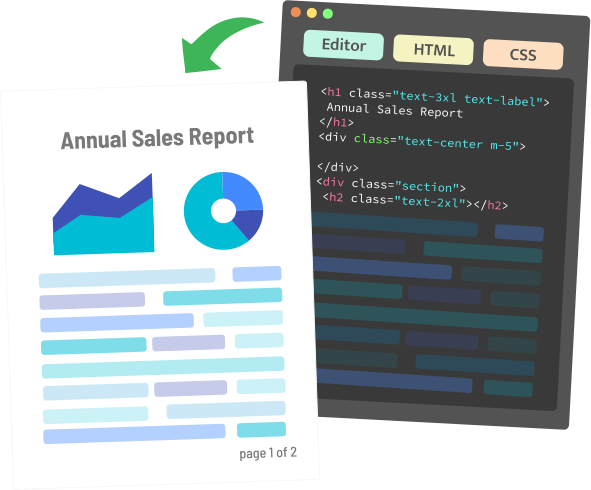
The biggest differentiator is editor flexibility. APITemplate.io lets you build templates two ways: a visual drag-and-drop editor for non-technical teammates, or raw HTML and CSS for developers who want pixel-level control. That combination matters when a marketing team and an engineering team need to collaborate on the same document templates without one side blocking the other.
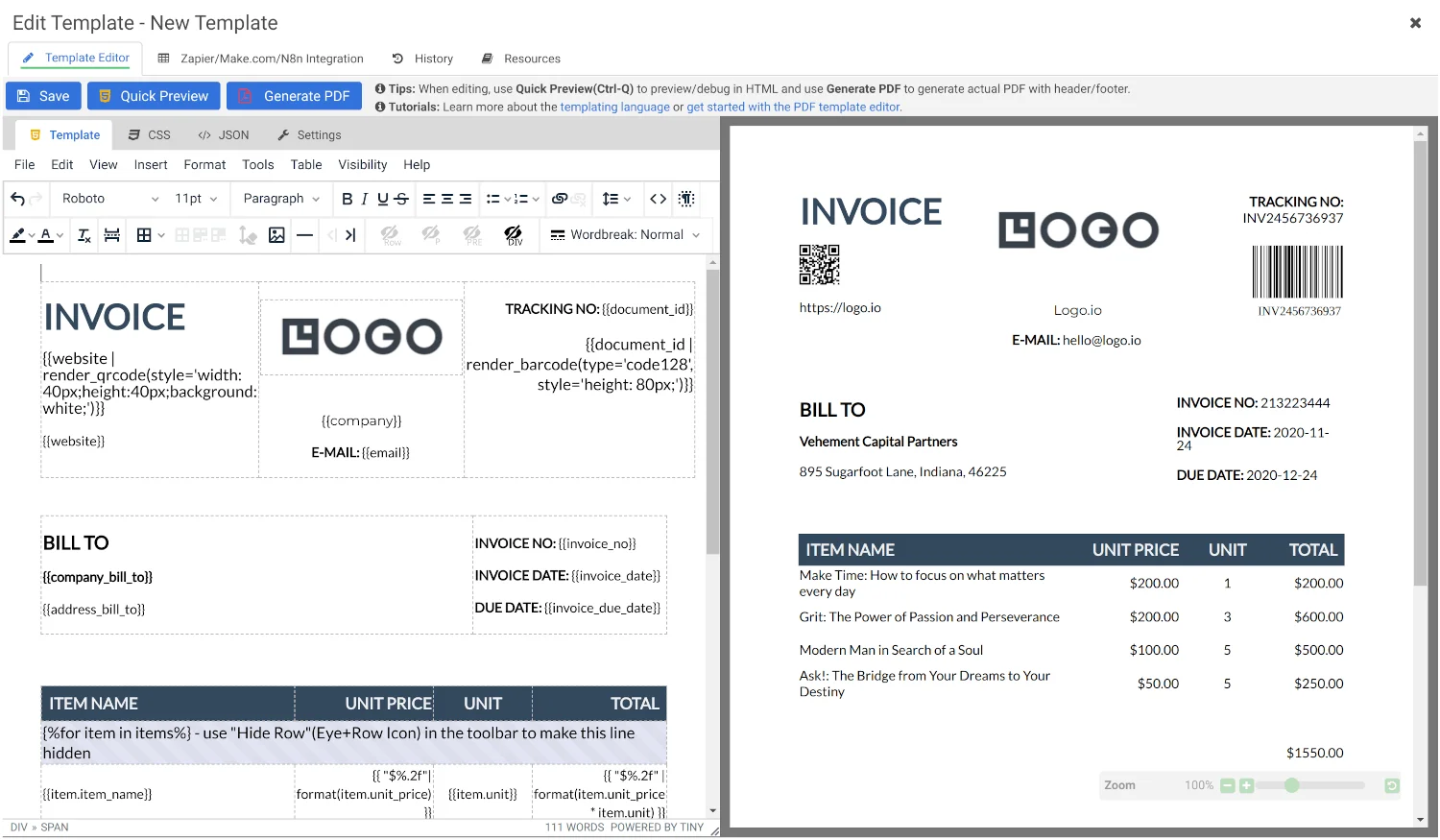
Generate PDFs and images from reusable templates using JSON data, with REST API and no-code support.
APITemplate.io also ships native QR code generation and invoice-focused automation out of the box, which means less time wiring together workarounds for common document types like receipts, shipping labels, and certificates.
How Much Does Switching Cost? Pricing Breakdown
Both tools use usage-based pricing tied to document volume, so the actual cost of switching depends on your monthly generation volume and which features you need. Rather than quoting figures that change over time, here's what to compare directly on each provider's current pricing page:
- Included document volume on the free or entry-level tier
- Overage cost per additional document generated
- Whether QR code and invoice-specific features are gated behind a higher plan
- API rate limits at each tier
Because pricing structures shift periodically, check APITemplate.io's live pricing page before committing, and compare it line-by-line against your current PDFMonkey invoice.
How Do You Migrate from PDFMonkey to APITemplate.io?
Migrating between template-based PDF APIs is mostly a matter of rebuilding your templates and swapping your API endpoint. In practice, most teams follow four steps:
- Export or document the field structure of your existing PDFMonkey templates.
- Recreate each template in APITemplate.io using either the drag-and-drop editor or raw HTML, matching your existing JSON payload structure where possible.
- Run a parallel test: send the same JSON payload to both APIs and compare output.
- Update your application's API endpoint and authentication once templates are verified, then decommission the old integration.
Most teams generating fewer than a few dozen templates can complete this migration in an afternoon.
Final Verdict
Who should use APITemplate.io instead of PDFMonkey?
Teams that need HTML-level template control, native QR code generation, or purpose-built invoice automation will get more out of APITemplate.io. If your needs are simple, single-format document generation with no plans to scale complexity, PDFMonkey may still suffice, but most teams outgrow that setup faster than expected.
Overall Rating: 4.5 / 5
Frequently Asked Questions
Is APITemplate.io a good PDFMonkey alternative?
Yes. APITemplate.io covers the same core JSON-to-PDF workflow as PDFMonkey while adding HTML template editing, native QR code support, and invoice-specific automation.
Can I use my existing PDFMonkey templates in APITemplate.io?
Not directly. Templates need to be rebuilt in APITemplate.io's editor, though the underlying JSON data structure can usually stay the same.
Does APITemplate.io have a free plan?
Yes, APITemplate.io offers a free plan for testing before you commit to a paid tier.
Which tool is better for invoice generation?
APITemplate.io has purpose-built invoice automation, making it the stronger choice if invoices are a core use case rather than a general document type.
Do both tools support REST APIs?
Yes. Both PDFMonkey and APITemplate.io generate PDFs via REST API using JSON payloads mapped to a template.
Ready to Try a PDFMonkey Alternative?
Generate your first automated PDF with APITemplate.io in minutes.
Get Access Now →Free plan available, no credit card required to start.

Comments (0)
Leave a Comment