
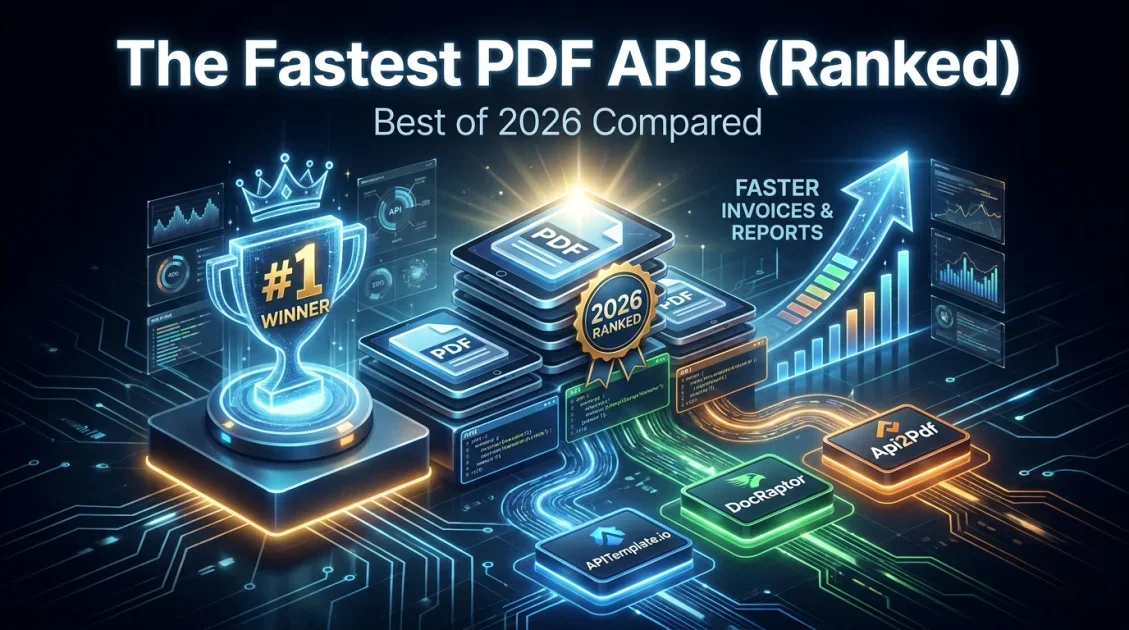
The best PDF generator APIs in 2026 fall into two camps: template based tools like APITemplate.io that give non developers a visual editor, and HTML first tools like DocRaptor that give developers full control over CSS and layout. Which one is "best" depends on whether your team wants a drag and drop editor or raw HTML to PDF rendering, and how many documents you generate each month.
In this article
- What is a PDF generation API, and when do you need one?
- Best PDF generator APIs compared
- APITemplate.io: templates, invoices, and QR codes in one API
- Is a PDF generator API free? Pricing breakdown
- How to choose the right PDF generation API service
- Connecting a PDF generation API to your existing stack
- Getting started in under an hour
- FAQ
What is a PDF generation API, and when do you need one?
A PDF generation API turns data, an HTML page, or a saved template into a finished PDF file through a single API call. Instead of building a custom rendering pipeline, your app sends a request with the content or template ID, and the API returns a ready to download or store PDF. Teams typically reach for one when they need to produce invoices, contracts, certificates, shipping labels, or reports automatically, at a volume that makes manual creation impractical.
There are two broad approaches on the market right now. HTML to PDF services render your own markup through a browser or print engine, which gives you precise control but means you own every line of CSS. Template based services let you design a document once in a visual editor, then generate unlimited variations by passing in JSON data, which is faster to maintain but offers less low level control.
Best PDF generator APIs compared
Here is how the leading options stack up on approach, starting price, and free tier as of 2026.
| API | Approach | Free tier | Entry paid plan |
|---|---|---|---|
| APITemplate.io | Visual template editor + HTML/CSS | 50 PDFs or images/month, 3 templates | From $19 to $29/month |
| DocRaptor | HTML/CSS via Prince engine | 5 production docs/month, unlimited watermarked tests | From $15/month |
| PDFShift / PDFMonkey | HTML/CSS, Chromium based | Limited free credits | Usage based, small team pricing |
| Api2Pdf | Pure usage based rendering | Pay per call, no monthly minimum | ~$0.005 per PDF |
DocRaptor is the strongest pick when you need print grade, accessible output and already have HTML and CSS you want rendered exactly as written. It runs on the Prince engine, supports WCAG and Section 508 accessible PDFs, and is SOC 2, HIPAA, and GDPR compliant, which is why it shows up often in regulated industries. Api2Pdf fits teams with unpredictable, high volume rendering needs who do not want a monthly minimum. For most product and marketing teams who want a visual editor, template versioning, and image output alongside PDFs, APITemplate.io is the more practical starting point.
APITemplate.io: templates, invoices, and QR codes in one API
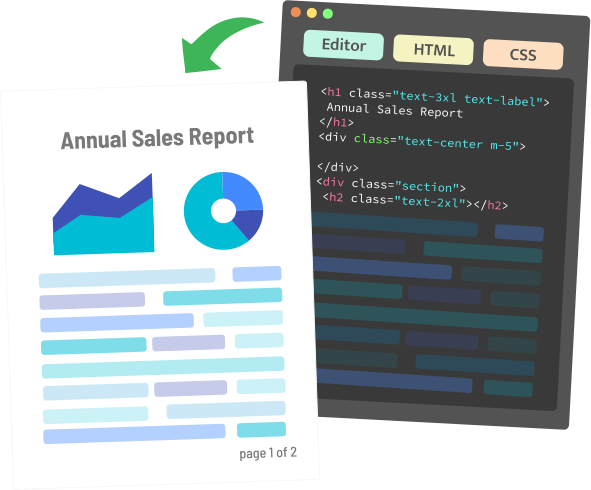
APITemplate.io is a cloud based API that generates PDFs and images from reusable templates using JSON data. It supports both a drag and drop template editor and raw HTML input, so you can start visually and drop into code where you need finer control. It is built for exactly the use cases that come up most in a "pdf generator api" search: invoices, certificates, reports, and social graphics generated at scale.
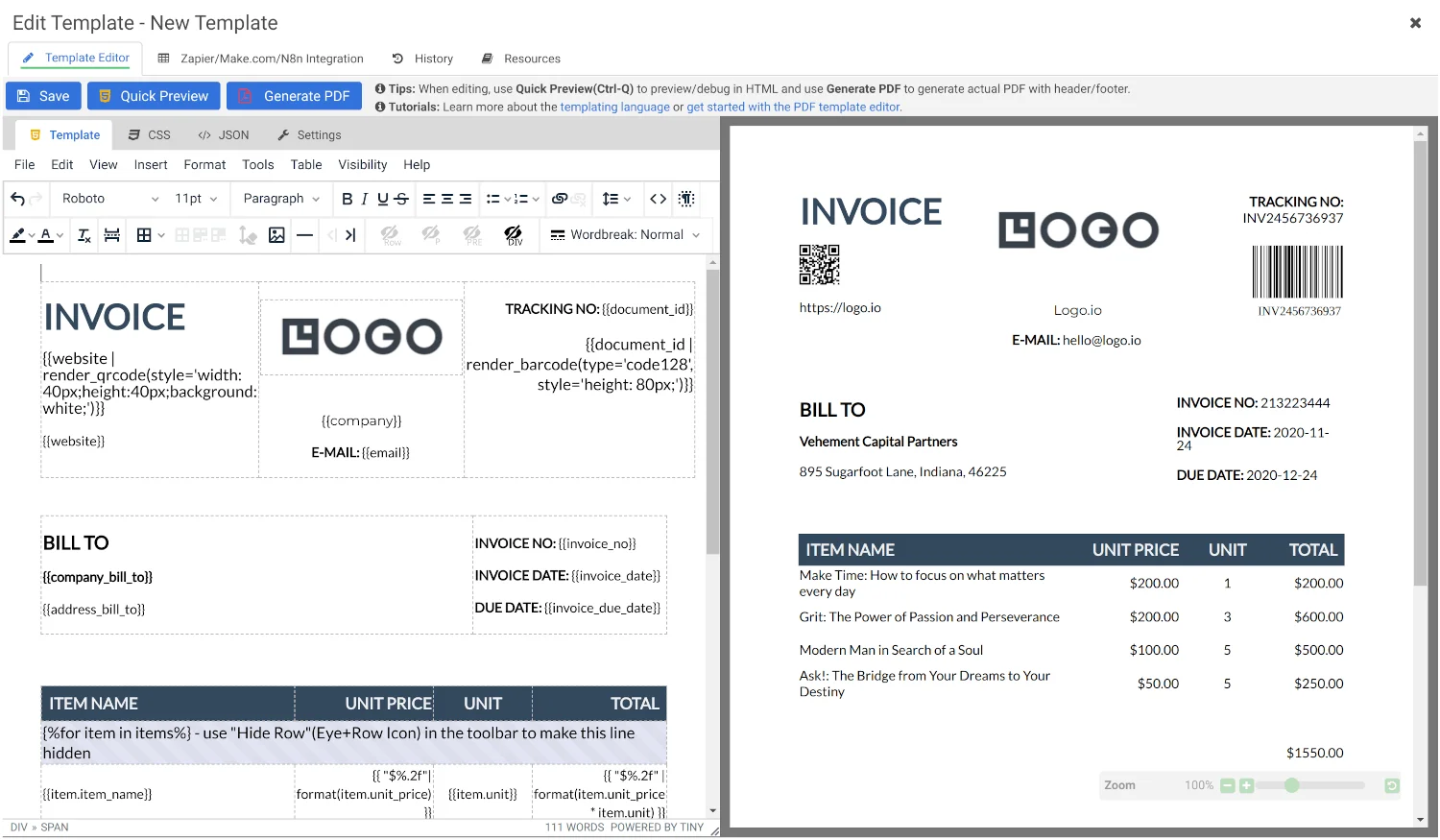
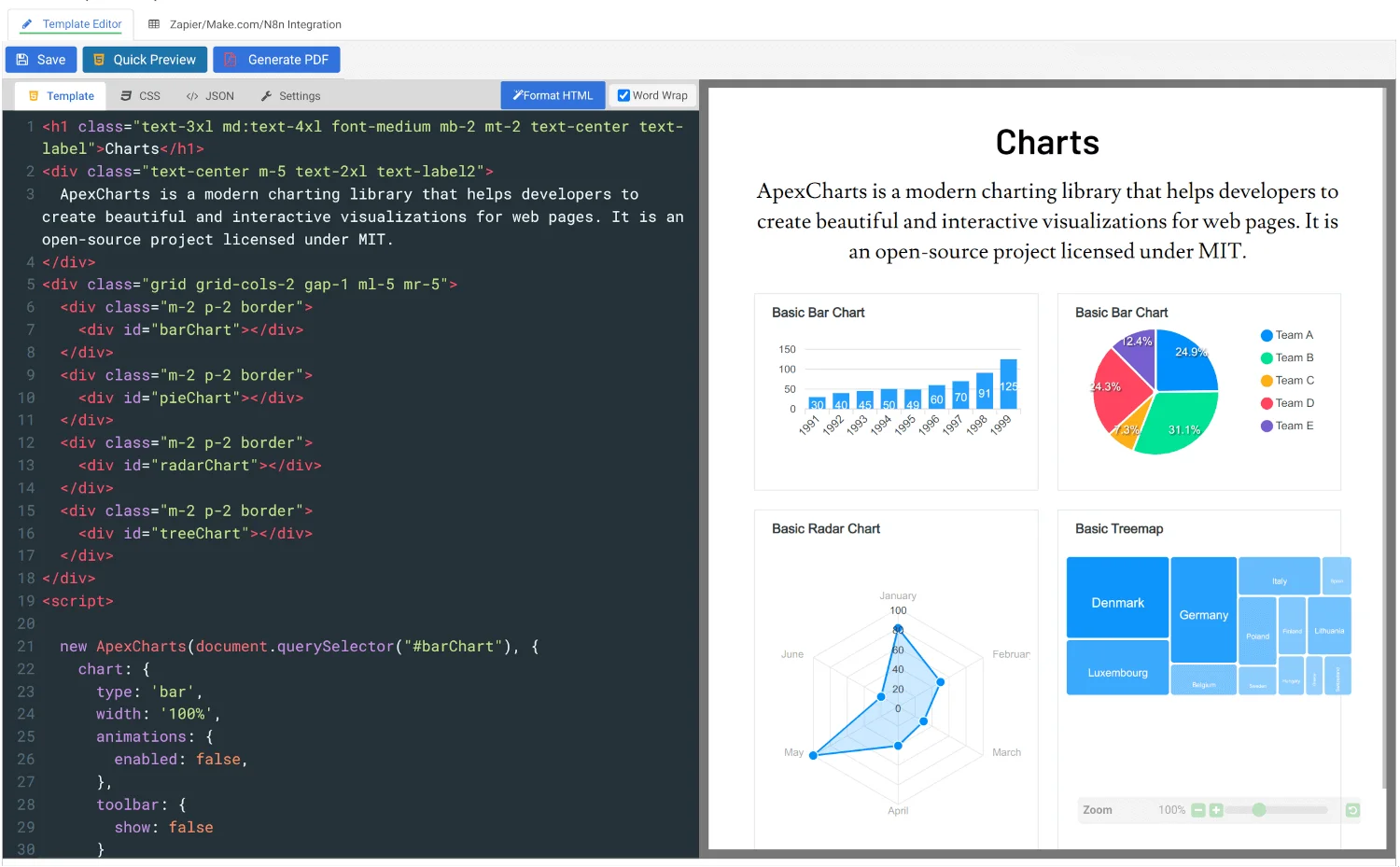
Generate PDFs and images from reusable templates with a visual editor, HTML/CSS, or a live URL.
Two features stand out for teams evaluating a "pdf generation api service": built in QR code generation for tickets and packaging labels, and dedicated invoice automation templates that pull line items and totals from JSON data. Both ship as native features rather than workarounds.
Is a PDF generator API free? Pricing breakdown
Most PDF generator APIs, including APITemplate.io, offer a genuine free tier rather than a trial. APITemplate.io's free plan includes 50 PDFs or images and 3 templates per month, with no credit card required, which is enough to validate an integration before committing to a paid plan. Paid tiers then scale with volume: entry plans generally start between $19 and $29 per month for roughly 1,200 to 3,000 documents, with enterprise tiers reaching several hundred dollars per month for six figure document volumes.
When comparing pricing across vendors, check three things beyond the headline number: whether templates count against a separate limit, whether image generation is billed the same as PDF generation, and whether overage is billed per document or requires an upgrade.
How to choose the right PDF generation API service
Match the tool to how your team actually works, not just the price on the homepage.
- Non technical team members need to edit documents. Choose a template based tool with a visual editor, such as APITemplate.io.
- You already have HTML/CSS and want exact control. An HTML to PDF renderer like DocRaptor fits better than a template system.
- Volume is unpredictable or spiky. Favor usage based pricing with no monthly minimum over a fixed tier plan.
- You operate in a regulated industry. Confirm SOC 2, HIPAA, or GDPR compliance before committing, since not every vendor supports all three.
- You need more than PDFs. If the same team also needs social graphics or QR codes, a combined image and PDF API reduces the number of vendors you manage.
Connecting a PDF generation API to your existing stack
Most teams do not call a PDF generation API directly from custom backend code on day one. Instead, they wire it into tools they already use. APITemplate.io connects to Zapier, Make.com, Bubble.io, Airtable, and n8n, which means a non developer can trigger PDF generation from a form submission, a new spreadsheet row, or a CRM update without writing a single line of code. For teams with engineering resources, the same API is available as a direct REST call, with SDKs covering Python, JavaScript, PHP, Java, and C#.
A typical setup looks like this: design the document once in the template editor, publish the template, then trigger generation either through a no code automation or a POST request that passes in the data fields the template expects. The API returns a URL to the finished PDF, which you can store, email, or display back to the user, usually within a few seconds of the request.
Getting started with a PDF generation API in under an hour
The fastest way to evaluate any of these tools is to build one real document, not a demo. Start with a PDF you already generate manually today, such as an invoice or a certificate.
- Sign up for a free account and note your API key.
- Upload or design the document layout in the template editor, marking the fields that should change per document (name, amount, date, and so on).
- Send a test API call with sample JSON data and confirm the output matches your existing document.
- Connect the trigger, whether that is a form submission, a database row, or a scheduled job, so generation happens automatically going forward.
- Store or forward the resulting PDF URL as part of your existing workflow, such as attaching it to a confirmation email.
Most teams can complete this cycle in well under an hour, which is a reasonable bar for deciding whether a given PDF generator API service fits before committing to a paid plan.
Final Verdict
Who should use APITemplate.io?
Teams that need to generate invoices, reports, certificates, or QR codes at volume, without maintaining custom HTML rendering code, and that want both a visual editor and API access in one plan. If your primary need is print perfect rendering of existing complex HTML, DocRaptor is worth evaluating alongside it.
Overall Rating: 4.5 / 5
Frequently Asked Questions
Is there a free PDF generation API available?
Yes. Most major providers, including APITemplate.io, DocRaptor, and Api2Pdf, offer either a free monthly quota or unlimited watermarked test documents, so you can build and test an integration before paying.
How much does a PDF generator API cost?
Entry level paid plans typically start between $15 and $29 per month for a few thousand documents, with usage based options like Api2Pdf charging roughly half a cent per PDF and no monthly minimum.
What is a PDF generation API service used for?
Common uses include generating invoices, receipts, contracts, certificates, shipping labels, and reports automatically from application data, without a human manually creating each document.
Which PDF generator API is best for invoices specifically?
APITemplate.io includes purpose built invoice automation templates that map order or billing data directly to a finished PDF invoice, which makes it a strong fit for that specific use case.
Can I generate QR codes with the same API I use for PDFs?
With APITemplate.io, yes. QR code generation is a native feature alongside PDF and image generation, so you do not need a separate service for that piece of the document.
Ready to automate your PDF generation?
Start free with APITemplate.io and generate your first invoice, report, or certificate in minutes.
Get Started Free →No credit card required for the free plan.

Comments (0)
Leave a Comment