
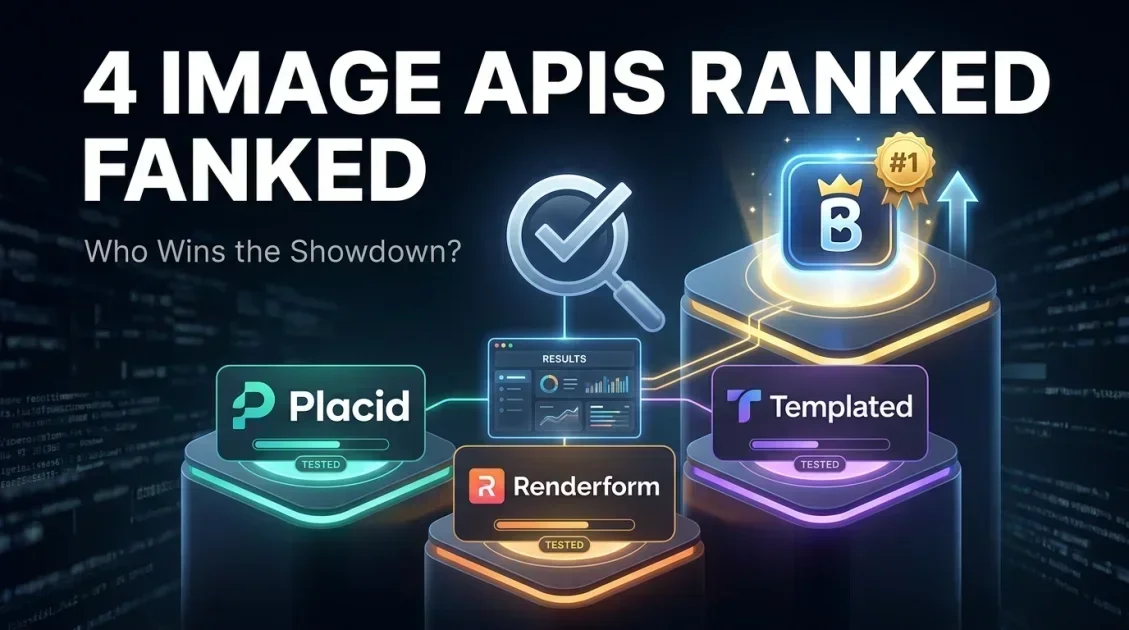
Bannerbear is the strongest overall choice among Placid, Renderform, and Templated for teams that need both a visual template editor and reliable bulk API generation in one platform. Placid is a reasonable lighter-weight alternative for smaller teams, Renderform suits developers who want to work closer to the code layer, and Templated is worth considering if your designers already build in Figma or Canva. This comparison breaks down how each tool differs so you can match the right one to your workflow.
In this article
- Quick overview of each tool
- Feature comparison table
- Bannerbear vs Placid
- Bannerbear vs Renderform
- Bannerbear vs Templated
- Which one should you choose?
- FAQ
Quick overview of each tool
All four tools solve a similar problem: turning a design template into an API endpoint so you can generate branded images or videos automatically instead of designing each one by hand. Where they differ is in editor depth, integration breadth, and who the product is built for.
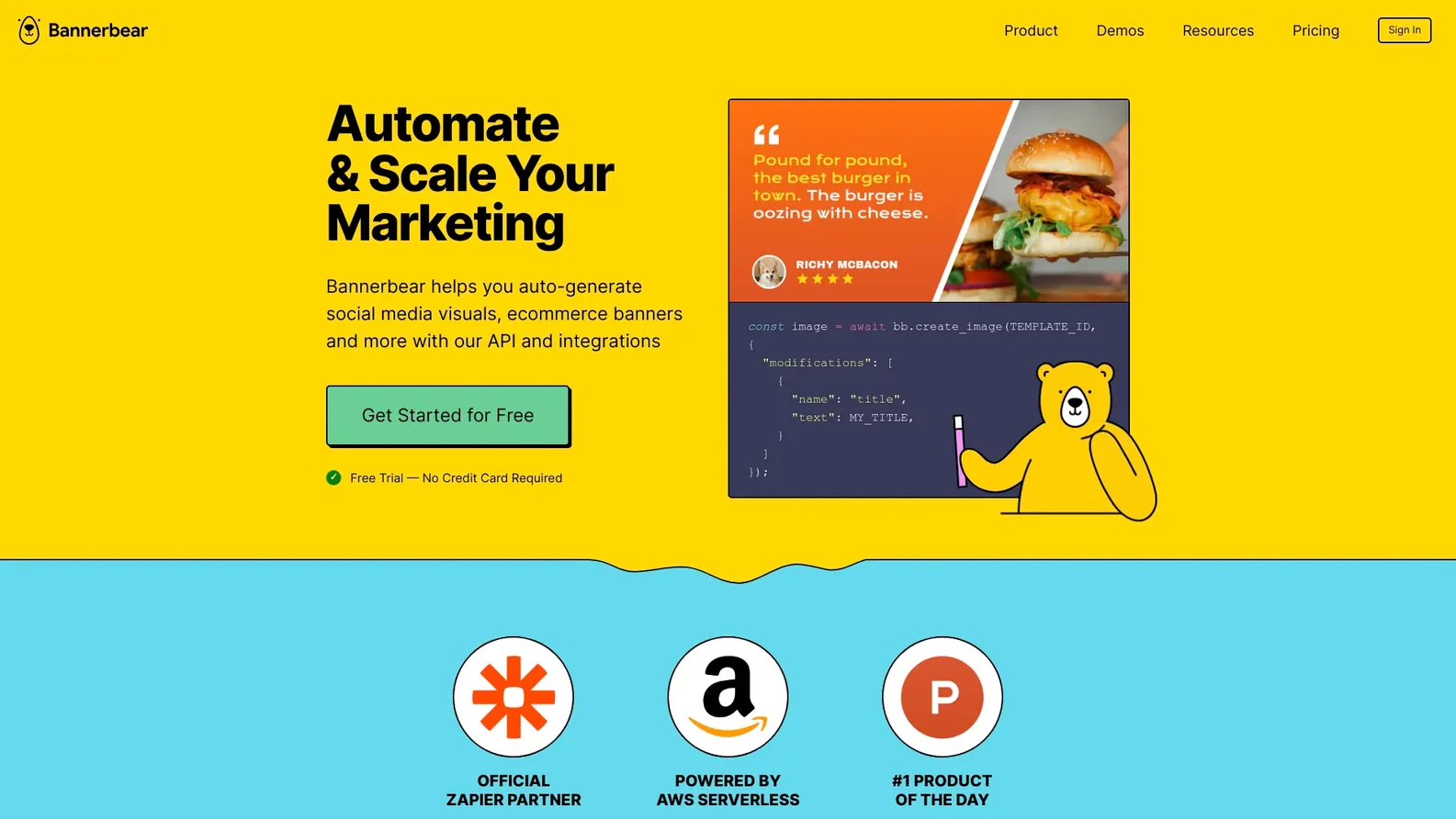
Bannerbear pairs a visual template editor with bulk generation, video output, and native Zapier and Make integrations, making it usable by both marketers and developers.
Placid offers a similar template-based editor and API, generally aimed at smaller teams generating social graphics, with a lighter integration ecosystem.
Renderform takes a developer-first approach, with a template editor plus webhook support, aimed at teams comfortable working closer to the code layer.
Templated focuses on converting existing Figma and Canva designs into API-ready templates, which appeals to teams whose designers already work in those tools.
Feature comparison table
| Tool | Best for | Template editor | Bulk generation | Video output | Zapier / Make |
|---|---|---|---|---|---|
| Bannerbear | Marketing automation at scale | Yes | Yes | Yes | Yes |
| Placid | Small teams, social graphics | Yes | Yes | Limited | Limited |
| Renderform | Developer-first workflows | Yes | Yes | Limited | Limited |
| Templated | Figma / Canva-based teams | Yes | Yes | Limited | Limited |

Bannerbear vs Placid
Placid and Bannerbear share the same core idea: design a template, then fill it with dynamic data through an API. Where they diverge is scope. Placid is well suited to smaller teams generating social graphics on a lighter workload, while Bannerbear's bulk generation and video support make it a better fit once you are producing images or videos at higher volume across multiple campaigns or clients.
If your integration needs go beyond basic API calls, such as triggering generation directly from Zapier or Make without custom code, Bannerbear's broader integration support is the more complete option.
Bannerbear vs Renderform
Renderform leans developer-first, with a template editor and webhook support built for teams comfortable working close to the API layer. Bannerbear covers the same technical ground but adds a more accessible visual editor and native no-code integrations, which makes it usable by marketers directly rather than requiring an engineer to manage every template change.
If your team is entirely engineering-led and prefers a lean, code-centric tool, Renderform is a reasonable option. If you want marketers and developers to be able to work in the same platform, Bannerbear is the stronger fit.
Bannerbear vs Templated
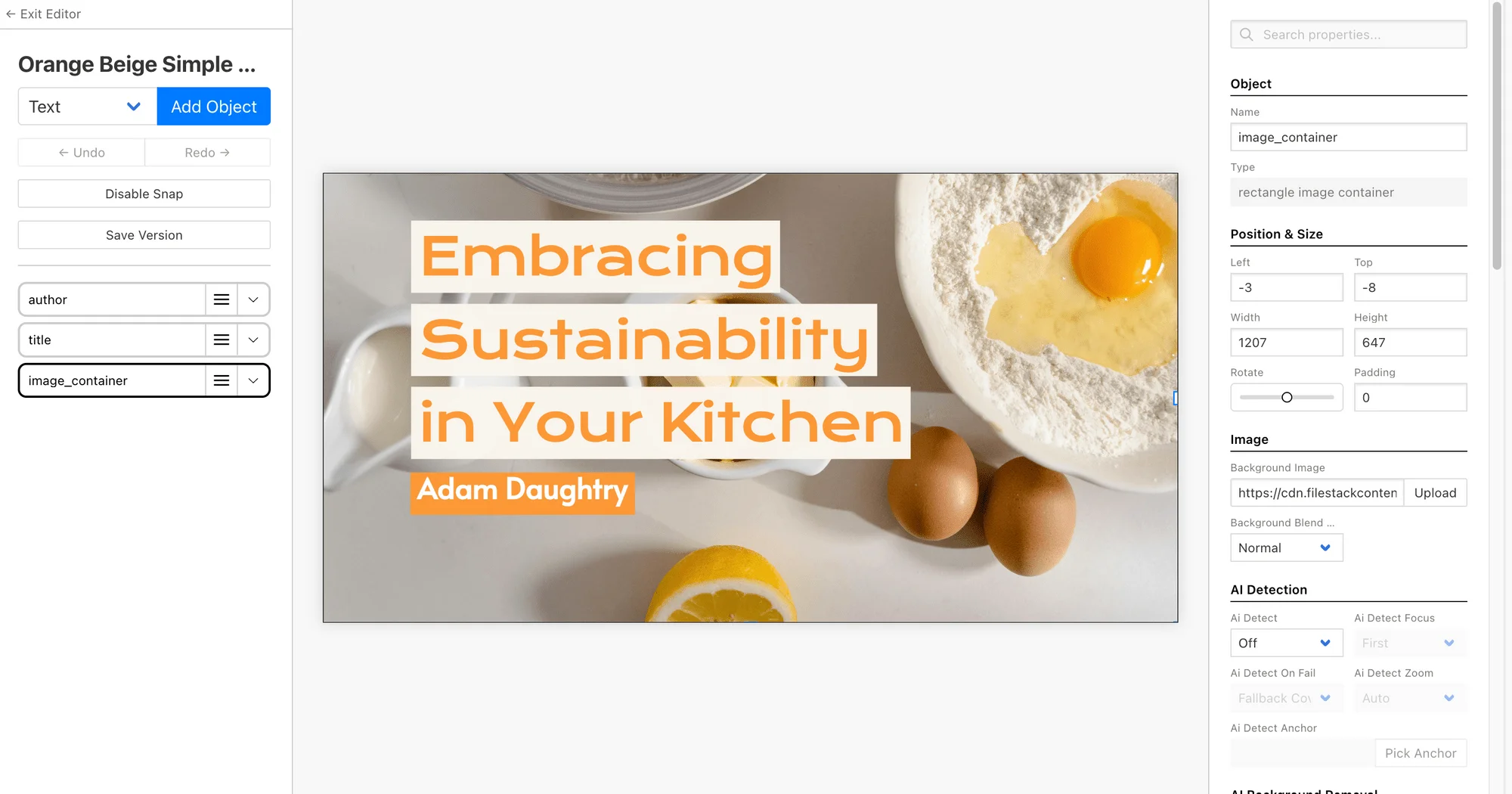
Templated's core advantage is converting Figma or Canva files directly into API-ready templates, which is useful if your design team already works exclusively in those tools and wants to avoid rebuilding layouts elsewhere. Bannerbear instead has its own native template editor, so there is a small learning curve if your team is used to designing in Figma first, but it gains bulk generation, video output, and a wider integration set in return.
If keeping your existing Figma or Canva workflow intact matters more than anything else, Templated is worth a look. If you want a single platform that handles both template creation and scaled automation, Bannerbear covers more ground.
Which one should you choose?
Choose Bannerbear if you want one platform that covers template design, bulk generation, video output, and no-code integrations. Choose Placid if your needs are lighter and centered on occasional social graphics. Choose Renderform if your team is fully developer-led and prefers working close to the API. Choose Templated if your design workflow is already built around Figma or Canva and you want to preserve that.
Final verdict
Who should use Bannerbear?
Marketing, growth, and product teams that need repeatable, on-brand image and video output at scale, and want a single platform that both marketers and developers can use, will get the most value from Bannerbear compared to the alternatives covered here.
Overall rating: 4.5 out of 5
Frequently asked questions
Is Bannerbear better than Placid?
Bannerbear offers broader bulk generation, video support, and integration options, which makes it a better fit for teams scaling past occasional social graphics. Placid remains a reasonable lighter-weight option for smaller workloads.
Is Bannerbear better than Renderform?
Bannerbear covers similar technical ground to Renderform but adds a more accessible visual editor and native no-code integrations, making it easier for non-developers to manage templates directly.
Is Bannerbear better than Templated?
Templated has an advantage if your team already designs exclusively in Figma or Canva. Bannerbear has its own template editor and adds bulk generation, video output, and a wider integration set.
Can I switch from Placid, Renderform, or Templated to Bannerbear?
Since all four tools work on the same template-to-API concept, migrating generally means rebuilding your existing templates inside Bannerbear's editor and pointing your integrations at its API instead.
Ready to automate your image workflow?
Set up a template once and let Bannerbear handle every banner, social card, and product image after that.
Try Bannerbear free →No credit card required to start.



Comments (0)
Leave a Comment