

Bannerbear is worth it if your team needs to generate branded images or videos automatically at scale, such as product banners, social graphics, or personalized campaign assets. It combines a visual template editor with a straightforward REST API, so once a template is set up, every new image is just an API call away. If you only need occasional, one-off graphics, the setup time may not pay off. This review breaks down what Bannerbear does, how it works, what it costs, and who it makes sense for.
In this article
- What is Bannerbear?
- How does Bannerbear work?
- Key features
- Bannerbear pricing
- Pros and cons
- Who Bannerbear is for
- Final verdict
- FAQ
What is Bannerbear?
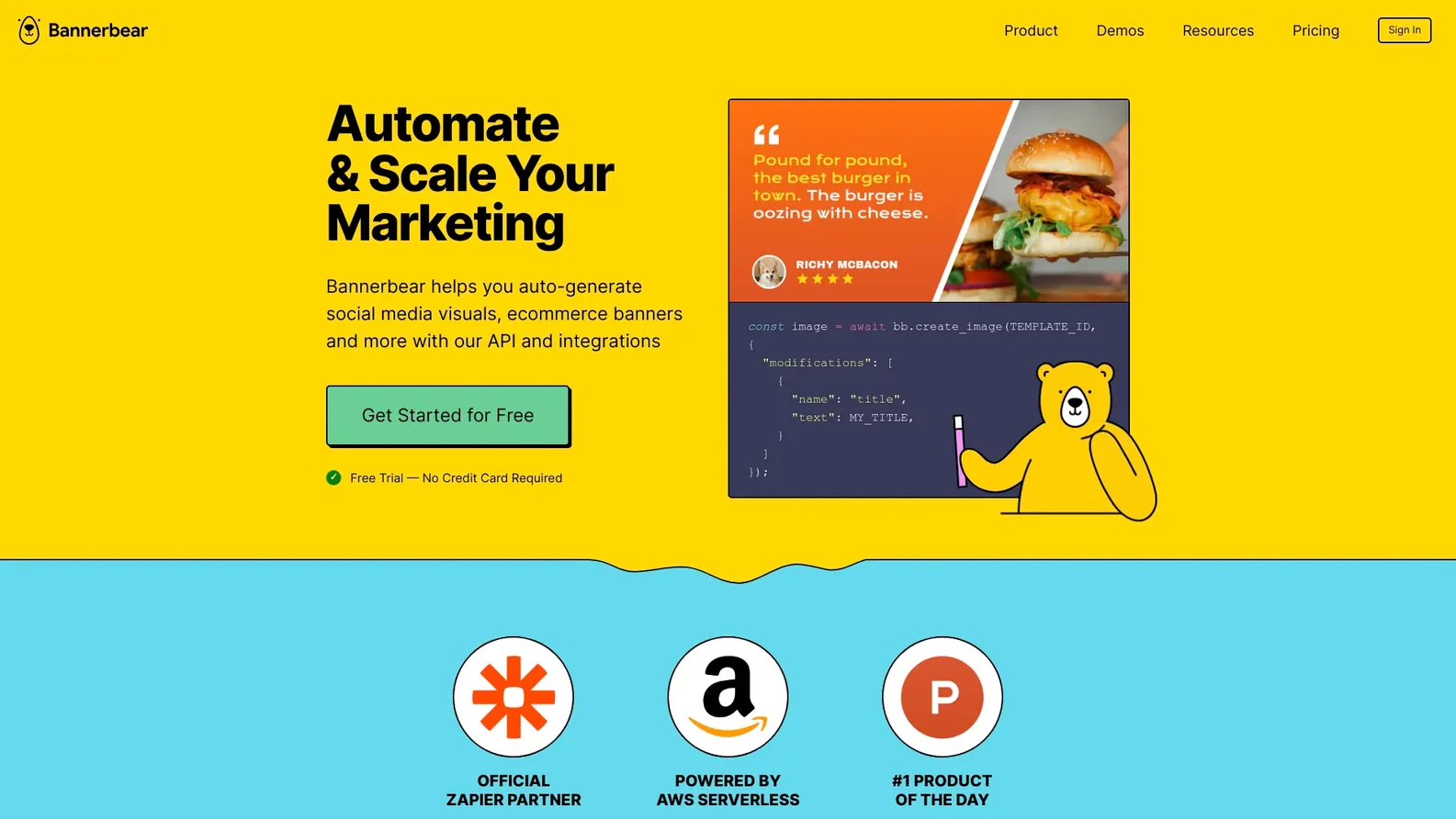
Bannerbear is an image and video generation API built for marketing automation. Instead of designing each graphic manually, teams create a reusable template once, then send data to the API to generate finished assets on demand. It is commonly used for automated social media graphics, personalized ad creative, product images, and video thumbnails.
How does Bannerbear work?
The workflow starts in Bannerbear's visual template editor. You lay out a design the way you would in any graphic design tool, then mark specific elements, such as a headline, a product photo, or a background color, as dynamic fields. Once the template is saved, every API request just needs to supply values for those fields, and Bannerbear renders a new image or short video in return.
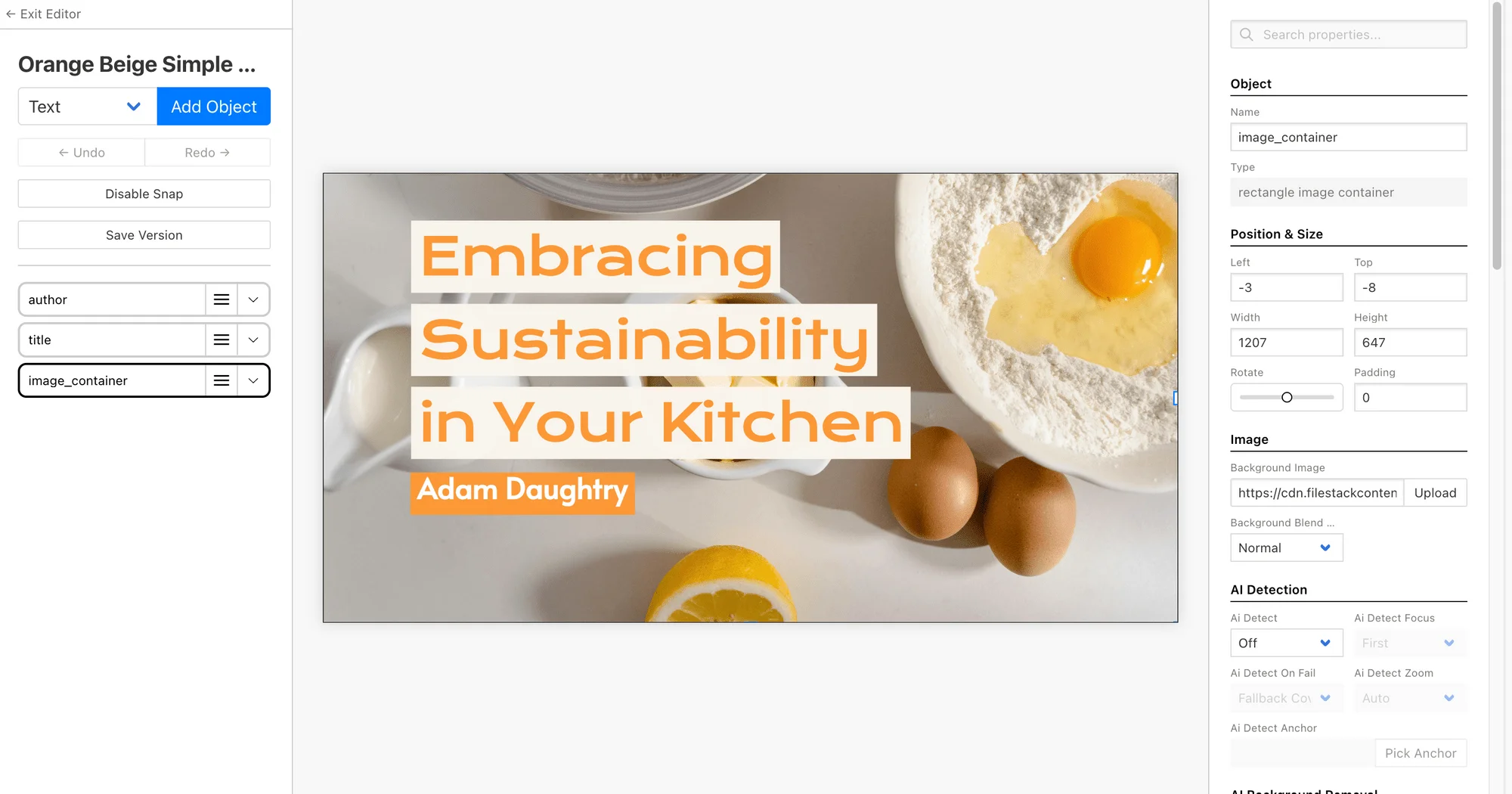
This template-first approach is what separates Bannerbear from a generative AI image tool. Rather than producing a new, unpredictable image from a text prompt, Bannerbear guarantees the output matches your brand every time, because the layout, fonts, and colors are locked into the template.
Key features
- Bulk generation: Send a batch of data, such as rows from a spreadsheet, and get back a finished image for every row in a single request.
- Video generation: Beyond static images, templates can also output short videos with dynamic text and media.
- Zapier and Make integrations: Teams that prefer a no-code workflow can trigger image generation from other apps without writing custom API calls.
- Project organization: Templates and their generated assets are grouped into projects, making it easier to manage multiple campaigns or clients.

Bannerbear pricing
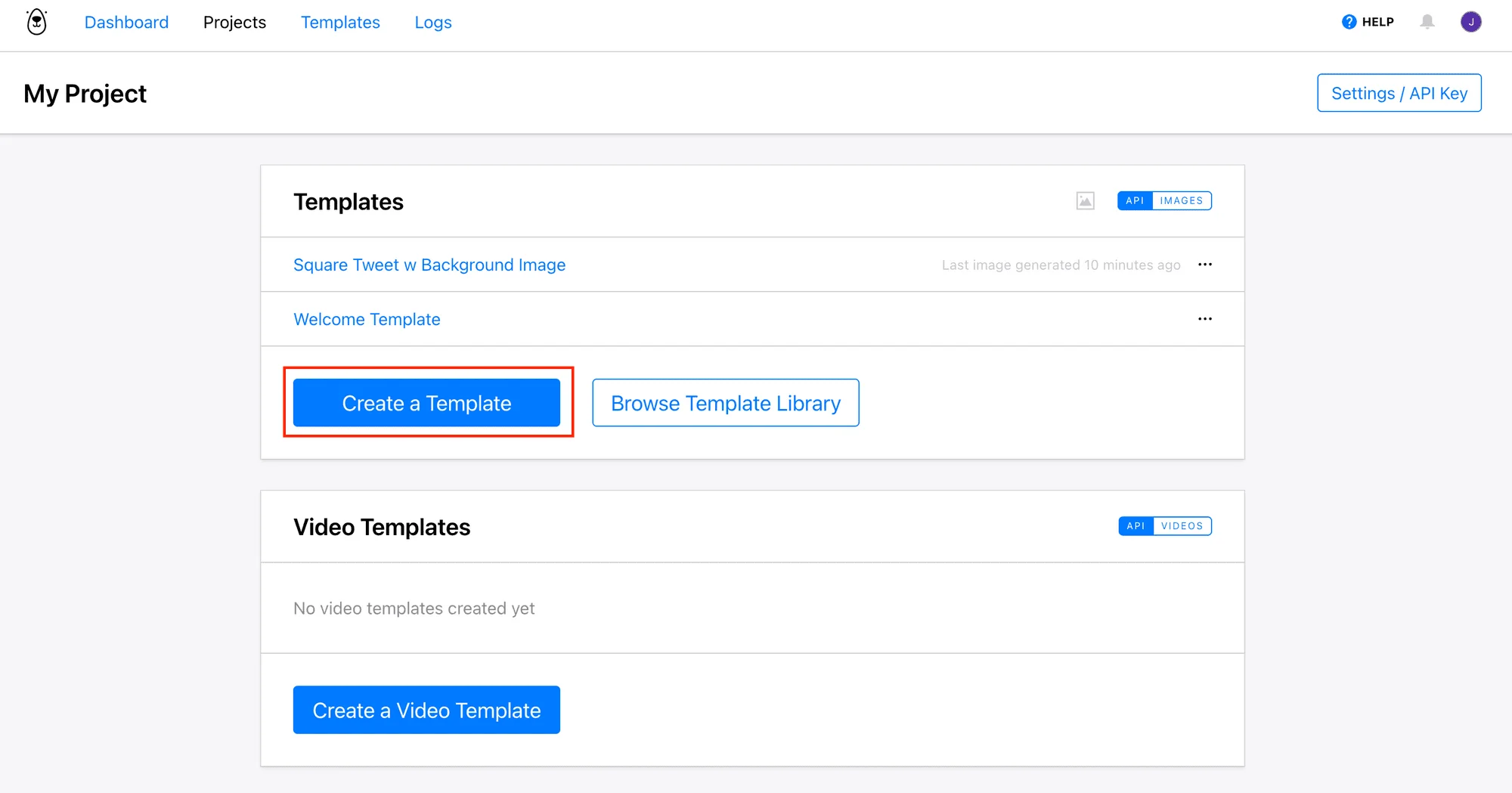
Bannerbear runs on a subscription model with tiered plans based on how many images and videos you generate per month, plus a free trial to test the template editor and API before committing. Higher tiers add features like more templates, higher generation limits, and priority support. Because pricing tiers change periodically, check the current plans on Bannerbear's site directly before budgeting for a specific volume of generations.
Pros and cons
Pros
- Visual template editor removes the need to hand-code layout logic
- Bulk generation handles catalog-scale or campaign-scale output in one request
- Native Zapier and Make integrations support no-code workflows
- Supports both image and short video generation from the same templates
- Consistent, on-brand output since every asset comes from the same locked template
Cons
- Not built for generating original, prompt-based artwork
- Template setup takes more upfront time than a single manual edit
- Value scales with volume, so occasional users may not see a strong return
Who Bannerbear is for
Bannerbear fits marketing, growth, and product teams that need repeatable, on-brand visual output without pulling a designer into every request. Common use cases include ecommerce catalogs generating a banner per product, SaaS companies auto-generating a social card for every new blog post, and agencies producing personalized ad creative for multiple clients at once.
It is a weaker fit for anyone who needs a single, custom piece of original artwork, since Bannerbear works from a template rather than generating something new from scratch. In that case, a generative AI image tool is a better starting point.
Final verdict
Who should use this product?
Bannerbear is a strong choice for marketing, growth, and product teams that need to generate branded images or videos automatically at scale. The combination of a visual template editor and a simple API makes it accessible to non-developers while still being flexible enough for engineering teams to build around. Teams with only occasional, one-off design needs may not need the automation layer.
Overall rating: 4.5 out of 5
Frequently asked questions
Is Bannerbear worth it?
Bannerbear is worth it for any team generating more than a handful of branded images or videos per week, since the time saved by automating template-based generation typically outweighs the setup cost. Teams with only occasional design needs may find a manual tool sufficient instead.
How does Bannerbear work?
You build a template visually in Bannerbear's editor and mark which fields, such as text or images, should be dynamic. Each API call then sends new data for those fields and returns a finished image or video without any custom rendering code.
What does Bannerbear cost?
Bannerbear uses tiered subscription pricing based on monthly generation volume, with a free trial available to test the editor and API. Check the current plans directly on Bannerbear's site, since pricing tiers are updated periodically.
Does Bannerbear support video generation?
Yes. In addition to static images, Bannerbear templates can output short videos with dynamic text and media, using the same template-based workflow.
What is the difference between Bannerbear and a generative AI image tool?
Bannerbear fills in a predesigned template with new data, which guarantees consistent, on-brand output every time. A generative AI tool creates an entirely new image from a text prompt, which is better suited to original artwork but harder to keep visually consistent across a campaign.
Ready to automate your image workflow?
Set up a template once and let Bannerbear handle every banner, social card, and product image after that.
Try Bannerbear free →No credit card required to start.

Comments (0)
Leave a Comment