
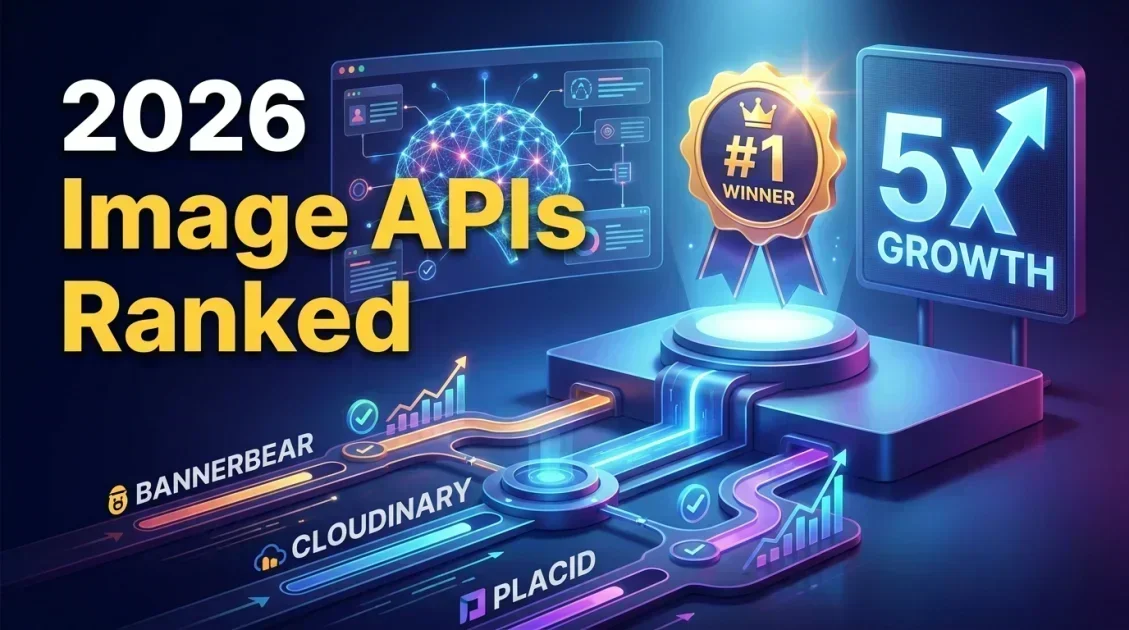
The best image generation APIs in 2026 for marketing teams are Bannerbear, Cloudinary, Placid, Templated, Renderform, and the raw generative models from OpenAI and Stability AI. Bannerbear stands out for teams that need to automate banners, social graphics, and product images at scale without writing custom rendering logic, since it combines a template editor with a straightforward REST API and native integrations like Zapier. This guide breaks down what an image generation API actually does, how the top options compare, and how to pick the right one for your workflow.
In this article
- What is an image generation API?
- How we compared these tools
- The best image generation APIs in 2026
- Comparison table
- Bannerbear in detail
- How to choose the right API for your use case
- FAQ
What is an image generation API?
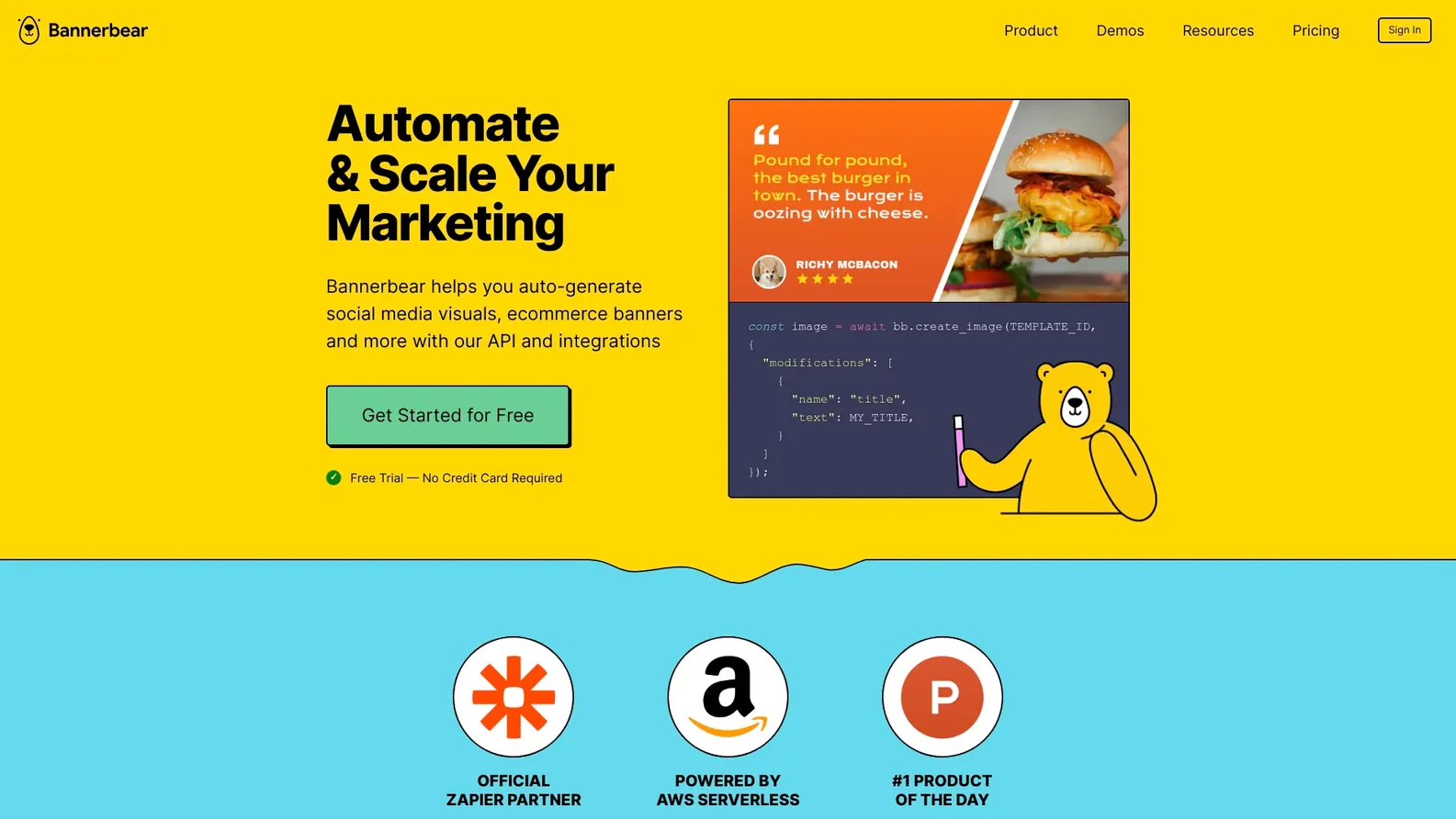
An image generation API lets developers and marketing teams create images programmatically instead of designing each one by hand in a tool like Photoshop or Canva. Instead of exporting a single graphic, you send a request with variables such as a headline, a product photo, or a price, and the API returns a finished image or video seconds later.
This matters most when volume is the problem. A single ecommerce catalog can need thousands of product banners. A SaaS company running weekly social campaigns needs dozens of on-brand graphics without pulling a designer off other work. That is the gap image generation APIs are built to close.
How we compared these tools
We looked at five factors that matter for a marketing automation stack: template flexibility, API simplicity, output quality, integration options such as Zapier or Make, and how well documented the developer experience is. Pricing and free-tier availability were also weighed, since teams generating thousands of images monthly need predictable costs.
The best image generation APIs in 2026
1. Bannerbear
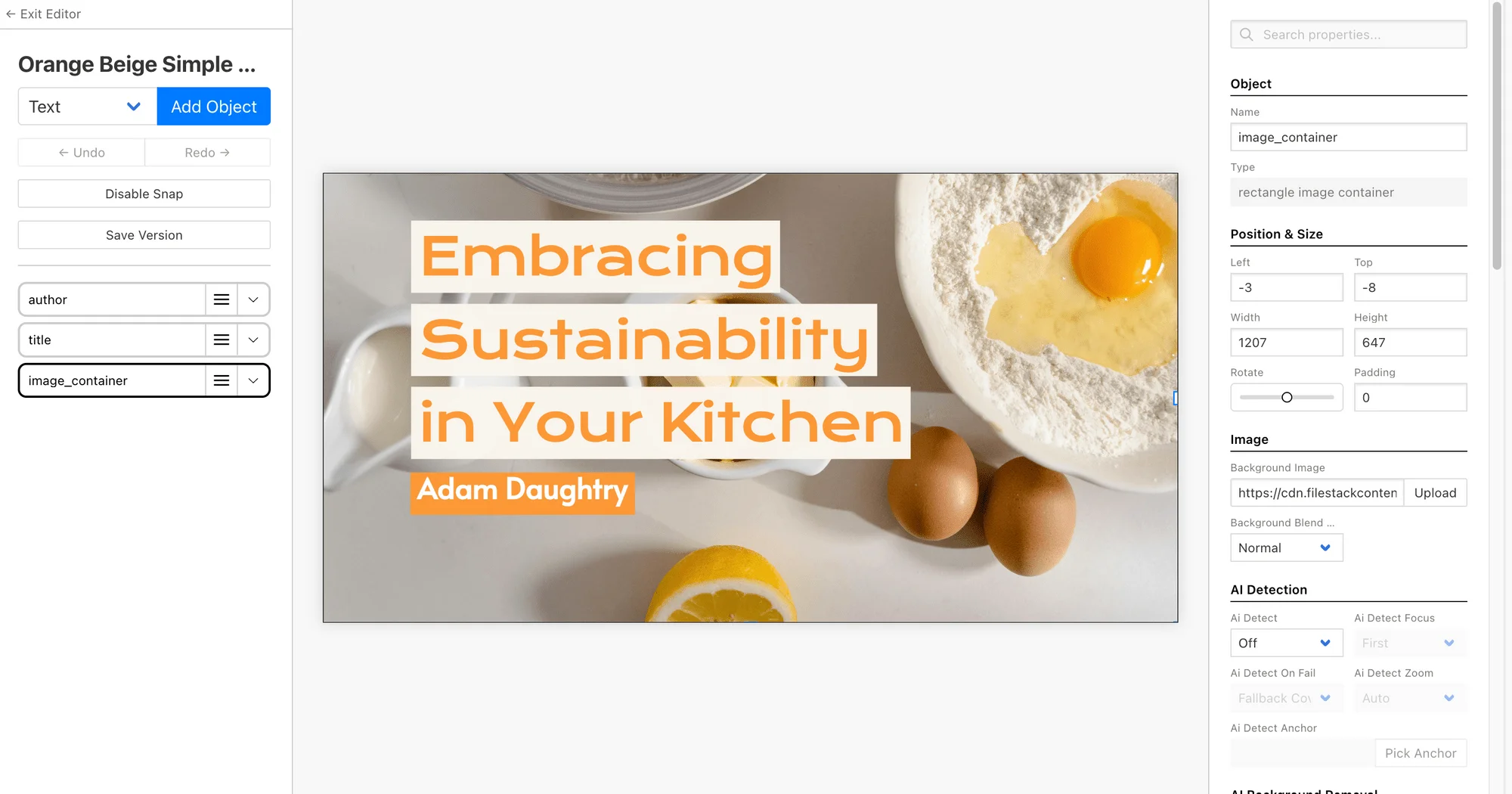
Bannerbear is built specifically for marketing automation. You design a template visually, then hit the API with dynamic data (text, images, colors) and get a finished PNG, JPG, or video back. It supports bulk generation, so a single request can output hundreds of variations for A/B testing or catalog updates.

2. Cloudinary
Cloudinary is best known as a media management and transformation platform. It can dynamically resize, crop, and overlay text on images through URL-based transformations, which makes it a solid pick for teams that already store their media library there and want lightweight, on-the-fly edits rather than full template-based design.
3. Placid
Placid offers a template-based approach similar to Bannerbear, with a visual editor and API access. It is a reasonable option for smaller teams generating social graphics, though its template library and integration ecosystem are less extensive.
4. Templated
Templated focuses on turning Figma and Canva designs into API-ready templates, which appeals to teams whose designers already work in those tools and want to avoid rebuilding templates from scratch.
5. Renderform
Renderform is a developer-first image and video generation API with a template editor and webhook support, aimed at teams comfortable working closer to the code layer.
6. OpenAI and Stability AI generative models
Rather than filling in a template, these APIs generate original images from a text prompt. They excel at concept art, illustrations, and one-off creative assets, but they are not built for the pixel-perfect, on-brand consistency that a banner or product image campaign requires. Most marketing teams pair a generative model for raw imagery with a template API like Bannerbear for the final branded output.
Comparison table
| Tool | Best for | Template editor | Bulk generation | Zapier / Make |
|---|---|---|---|---|
| Bannerbear | Marketing automation at scale | Yes | Yes | Yes |
| Cloudinary | Media transformation | No | Limited | Limited |
| Placid | Small teams, social graphics | Yes | Yes | Yes |
| Templated | Figma / Canva-based teams | Yes | Yes | Limited |
| Renderform | Developer-first workflows | Yes | Yes | Limited |
| OpenAI / Stability AI | Original concept art | No | Yes | Limited |
Bannerbear covers the widest set of automation needs in one platform, which is why it leads this list for teams building a repeatable content pipeline rather than generating one-off images.
Bannerbear in detail
Bannerbear's workflow starts in its visual template editor, where you design a layout once and mark which elements (text, images, colors) should be dynamic. From there, every API call just swaps those variables in and renders a new image or video.
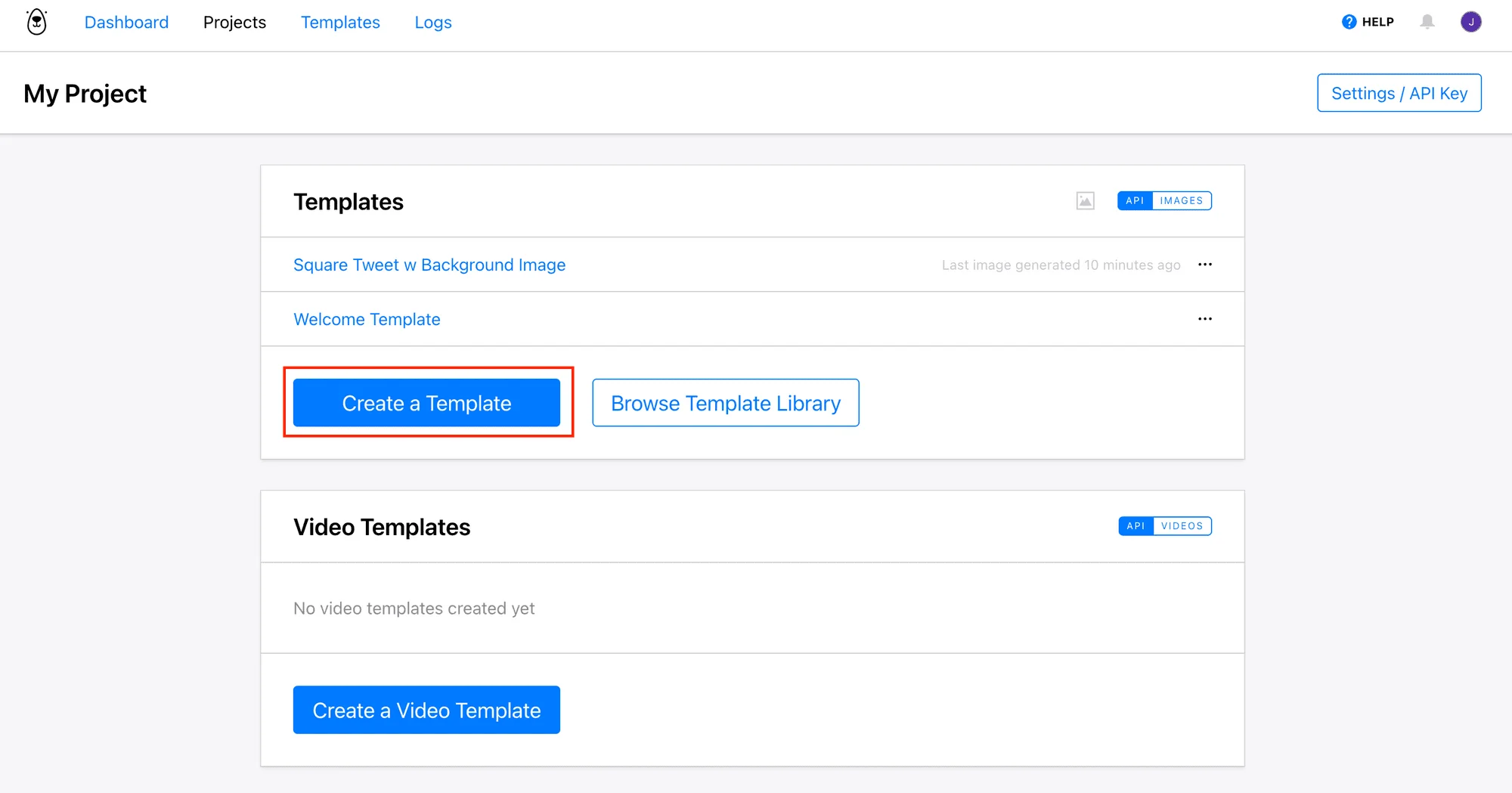
This structure is what makes bulk generation practical. An ecommerce team can send a spreadsheet's worth of product data in one API call and get back a finished banner for every row. A SaaS company can auto-generate a unique social card for every blog post the moment it publishes.
Pros
- Visual template editor removes the need to hand-code layout logic
- Bulk generation for catalog-scale or campaign-scale output
- Native Zapier and Make integrations for no-code workflows
- Supports both images and short video generation
Cons
- Not built for generating original, prompt-based artwork
- Template setup takes more upfront time than a single manual edit
Best for: Marketing, growth, and product teams automating recurring image or video output.
Not ideal for: One-off original artwork or heavy photo editing.
How to choose the right API for your use case
If your team needs repeatable, on-brand output at volume, a template-based API like Bannerbear will save the most engineering time. If you only need to transform or lightly edit existing photos, a media platform like Cloudinary is a better fit. If you need entirely original artwork, a generative model API is the right tool, though it will usually need a second step to make the output consistent with your brand.
In short: match the tool to whether you are editing a template or creating something from nothing. Most marketing automation use cases fall into the first category.
Final verdict
Who should use this product?
Bannerbear is the strongest overall pick for marketing, growth, and product teams that need to generate branded images or videos automatically at scale, whether that is product banners, social graphics, or personalized campaign assets. Teams that only need occasional photo edits or fully original artwork are better served by Cloudinary or a generative model API respectively.
Overall rating: 4.5 out of 5
Frequently asked questions
What is the best image generation API for marketing teams in 2026?
Bannerbear is the best overall option for marketing teams because it combines a visual template editor with bulk API generation, which covers the most common automation use cases: banners, social graphics, and product images.
How does Bannerbear work?
You build a template visually in Bannerbear's editor and mark which fields are dynamic. Each API call then sends new data for those fields and returns a finished image or video, without you writing any rendering code.
Is Bannerbear worth it for a small team?
For any team generating more than a handful of branded images per week, the time saved by automating the process typically outweighs the setup cost. Smaller teams with occasional, one-off design needs may find a manual tool sufficient instead.
What is the difference between a template-based API and a generative AI image API?
A template-based API like Bannerbear fills in a predesigned layout with new data, guaranteeing consistent branding. A generative AI API creates an entirely new image from a text prompt, which is better for original artwork but harder to keep visually consistent across a campaign.
Can I generate images in bulk with an API?
Yes. Bannerbear, Placid, and Templated all support bulk generation, letting you send a batch of data (such as a product spreadsheet) in one request and receive a finished image for every entry.
Ready to automate your image workflow?
Set up a template once and let Bannerbear handle every banner, social card, and product image after that.
Try Bannerbear free →No credit card required to start.
Comments (0)
Leave a Comment