
To automate Facebook ads image creation, connect a template-based image API to your product feed or spreadsheet so each ad variation, different headline, price, or product photo, gets generated automatically instead of being designed by hand. This lets you produce dozens of ad creative variations in minutes, which matters because Meta's own delivery data shows creatives that get refreshed regularly outperform ones left to run stale. This guide walks through why creative automation matters for Facebook ads, exactly how to set it up, and which tools handle it best.
In this article
- What does it mean to automate Facebook ad images?
- Why automate your Facebook ad creative?
- How to automate Facebook ad image generation
- Facebook ad automation tools compared
- Best practices for bulk Facebook ad images
- FAQ
What does it mean to automate Facebook ad images?
Automating Facebook ad images means using a template and a data feed to generate finished ad creative instead of opening a design tool for every variation. A designer builds one layout with placeholders for the headline, price, product photo, and badge. An automation platform then merges in new values, one product, one price point, one audience segment at a time, and exports a ready-to-upload image for each combination.
This is different from Meta's built-in Dynamic Creative feature, which tests combinations of assets you already uploaded. Image automation happens upstream of that: it is how you produce the pool of creative variations in the first place, especially when you need dozens of them from a product catalog or spreadsheet rather than a handful you designed manually.
Why automate your Facebook ad creative?
Creative volume is one of the biggest levers in Meta advertising, and it is also the one most limited by design capacity. A few reasons automation matters more than most advertisers assume:
- Creative fatigue happens fast. Benchmarking research covering more than 550,000 Meta ads found that roughly half of all creatives get turned off before 28 days, which means a steady supply of fresh variations is not optional for accounts running any real spend.
- Catalog-driven ads need volume. Ecommerce accounts with hundreds of SKUs cannot design a custom image for every product manually, but every product still needs its own ad creative to perform well.
- Testing needs variation, not just quantity. Automation makes it cheap to test different headlines, colors, or offers as separate creative variables instead of guessing which single design will work.
- Design time gets freed up. Once a template is built, no designer time is needed to produce the next fifty ad variations, only to update the template when the brand changes.
How to automate Facebook ad image generation
The setup follows the same pattern regardless of which platform you use:
- Design the ad template. Build your ad layout once in a template editor, and mark which elements should change per variation: product photo, headline, price, discount badge.
- Connect your data source. Link a product feed, spreadsheet, or your ad platform's catalog through the API. If you are starting from a spreadsheet, our guide to generating images from a spreadsheet walks through the field mapping in detail.
- Map each field. Match spreadsheet columns or feed fields to the corresponding placeholder in the template, so product name maps to headline, price maps to the price field, and so on.
- Generate in bulk. Run the batch to produce one finished ad image per row, then export or push the results directly into Meta Ads Manager.
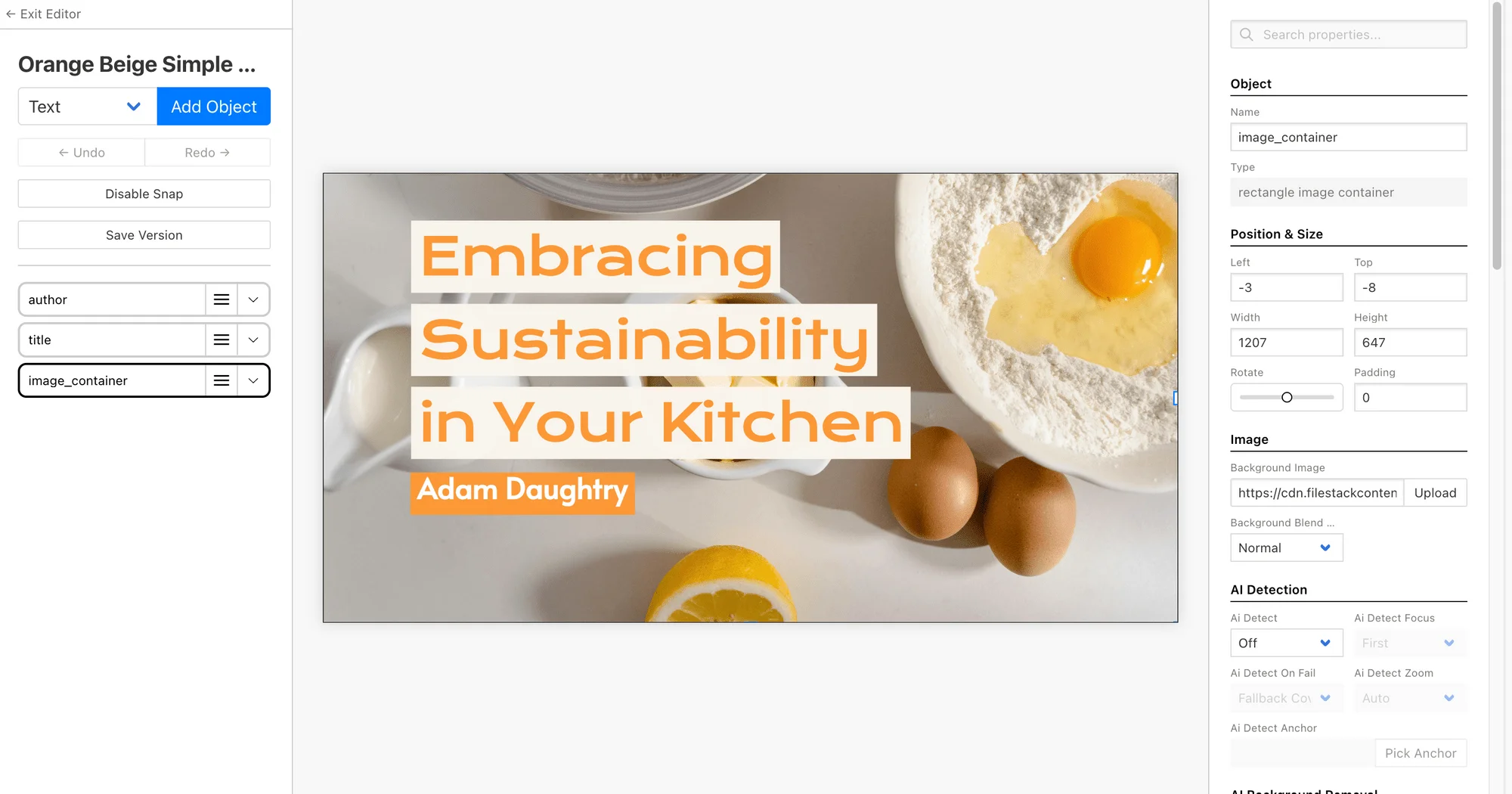

Build a template, connect your product feed, and generate a full batch of Facebook ad creative through a single API call.
Facebook ad automation tools compared
Most tools capable of automating Facebook ad images fall into three categories, each suited to a different scale of need.
| Tool type | Setup effort | Best for |
|---|---|---|
| Template-based image API (e.g. Bannerbear) | Low, one-time template build | Catalog-driven ads, recurring bulk batches |
| No-code automation connectors (Zapier, Make) | Low to medium | Triggering generation from forms or CRM events |
| Manual design tools (Canva, Photoshop) | High, repeated per ad | One-off hero creative, brand campaigns |
For accounts running more than a handful of active ad sets, a template-based API is generally the better fit since it removes repetitive design work entirely rather than just speeding up part of it.
Best practices for bulk Facebook ad images
A few practices make automated Facebook ad creative perform better once it is live:
- Keep brand elements locked. Fix your logo, colors, and font in the template so every generated variation stays on brand automatically.
- Vary more than one element at a time. Changing only the product photo but keeping the same headline limits how much you learn from testing.
- Batch by campaign, not by product. Organize templates into separate projects per campaign so refreshes stay easy to manage as creative fatigue sets in.
- Regenerate on a schedule. Since roughly half of creatives get pulled before 28 days, set a recurring batch to refresh top-spending ad sets automatically rather than waiting for performance to drop first.
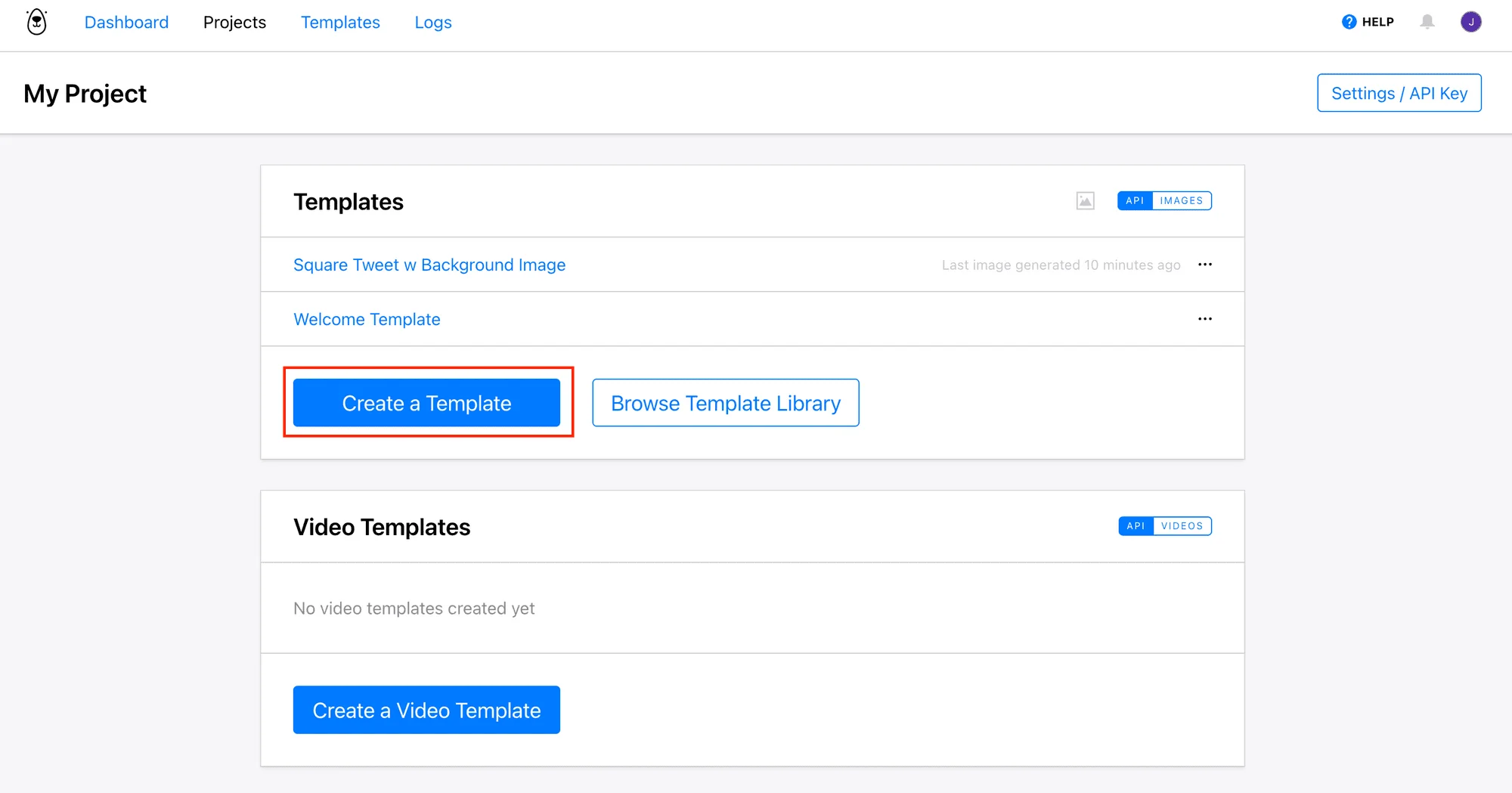
Schedule recurring batches so your ad sets get fresh creative variations before fatigue sets in.
Final Verdict
Who should automate Facebook ad image creation?
Any advertiser managing more than a handful of active ad sets, or any ecommerce account with a product catalog, will save significant design time by moving from manual creative production to a template-based automation workflow. Accounts running a single evergreen campaign with occasional custom creative have less to gain and can stick with manual design for now.
Recommended starting point: Bannerbear, for its visual template editor and straightforward API for bulk generation.
Ready to stop designing Facebook ads by hand?
Build one template and generate your next batch of ad creative in minutes with Bannerbear.
Start Free →No credit card required to start.
Frequently asked questions
Can I automate Facebook ad images without coding?
Yes. Most template-based platforms include a visual editor plus no-code connectors like Zapier and Make, so you can automate image generation without writing code, though a direct API integration is also available for developers.
How is this different from Meta's Dynamic Creative?
Dynamic Creative tests combinations of assets you have already uploaded to Meta. Image automation is what produces that pool of creative assets in the first place, especially useful when you need many variations from a product catalog.
How often should I refresh automated ad creative?
Research based on hundreds of thousands of Meta ads found that about half of creatives get pulled before 28 days, so scheduling a refresh every two to four weeks for active ad sets is a reasonable starting cadence, adjusted based on your own frequency and CTR data.
What file formats do I need for Facebook ads?
Facebook accepts PNG and JPG for image ads, and most automation platforms export directly in these formats, sized to the aspect ratios Meta recommends for feed, story, and reels placements.
Can I connect a product feed directly instead of a spreadsheet?
Yes. Most template-based image APIs accept a direct API call, which means a product feed, CRM, or ecommerce platform can trigger image generation automatically without a spreadsheet in between.

Comments (0)
Leave a Comment