
To automatically create Instagram post graphics, connect a template-based image API to your content calendar, product feed, or spreadsheet so each post, single image, or carousel slide gets generated from a reusable template instead of being designed by hand. Build one template with placeholders for the headline, image, and any recurring brand elements, then generate a full batch in one run. This matters because posting consistently is one of the strongest levers for Instagram reach, and design capacity is usually the bottleneck that keeps accounts from posting as often as the algorithm rewards. This guide covers how to set up Instagram post automation step by step.
In this article
- Why automate Instagram post graphics?
- How to automatically create Instagram post graphics
- Automating Instagram carousels
- Instagram image specs for automated posts
- Best practices for automated Instagram graphics
- FAQ
Why automate Instagram post graphics?
Posting frequency has a measurable effect on Instagram reach. Analysis of over 2 million Instagram posts found that accounts posting 3 to 5 times a week more than double their follower growth rate compared to posting just once or twice a week, with the biggest jump happening right at that 3-to-5 threshold. The catch is that most teams cannot design that many on-brand graphics every single week without either burning out a designer or letting quality slip.
Image automation removes that ceiling. Once a template exists, generating the next post, or the next ten, takes the same amount of design time as generating one: none. That makes it realistic to hit a consistent posting cadence without adding headcount, and it is especially valuable for accounts publishing quote graphics, product posts, or educational carousels on a recurring schedule.
How to automatically create Instagram post graphics
The setup follows the same core pattern as any template-based automation workflow:
- Design the post template. Build the layout in a visual editor at Instagram's standard 1:1 or 4:5 aspect ratio, marking which elements, headline, quote, product photo, badge, should change per post.
- Connect your content source. Link a spreadsheet of post copy, a content calendar tool, or your blog or product feed through the API, so each row or item becomes a new graphic.
- Map the fields. Match each column or field to the corresponding placeholder in the template, so captions map to text fields and images map to image fields automatically.
- Generate the batch. Run the automation to produce a week's or month's worth of posts in one pass, then load the results into a scheduling tool or publish directly if supported.
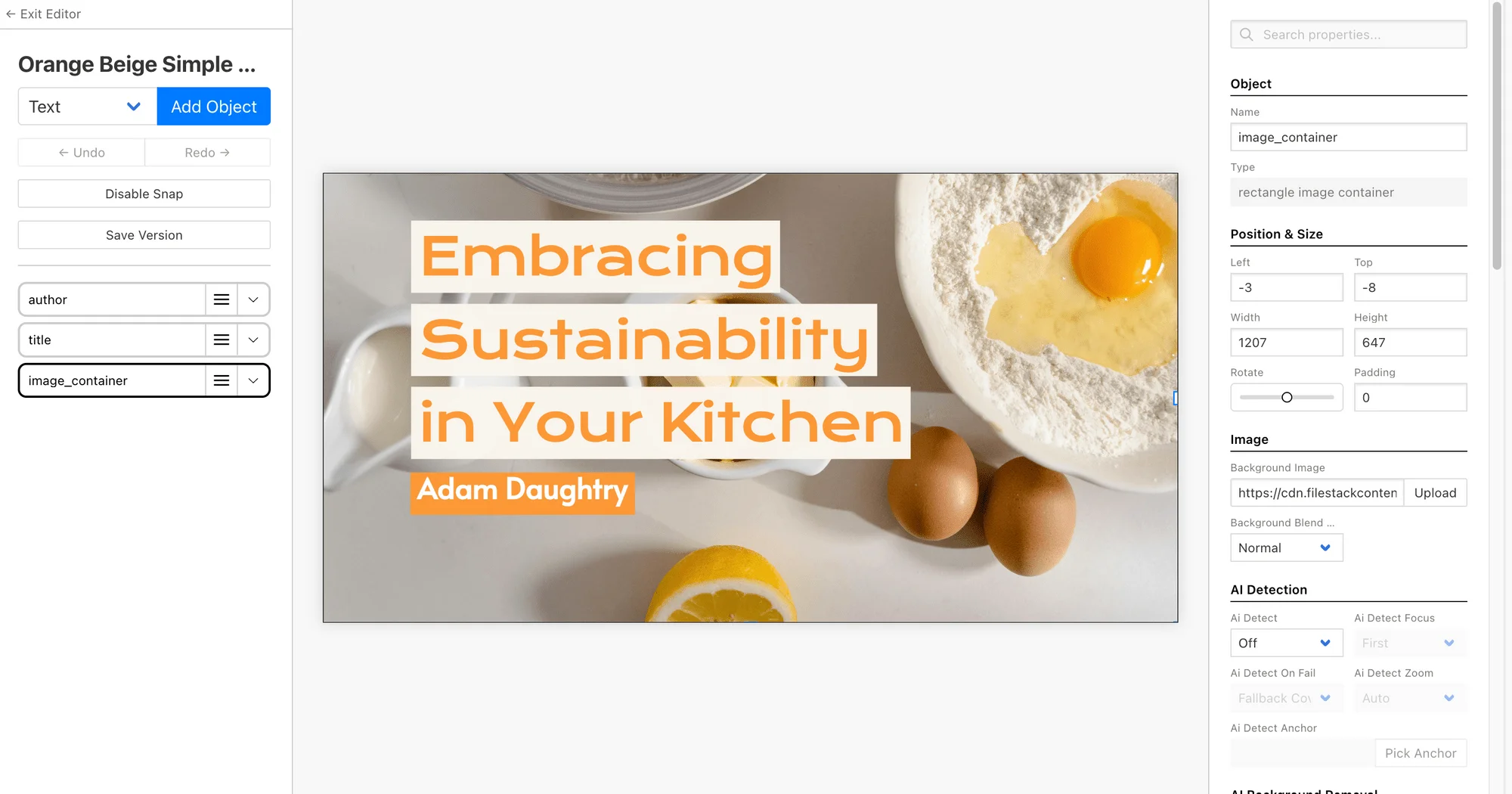

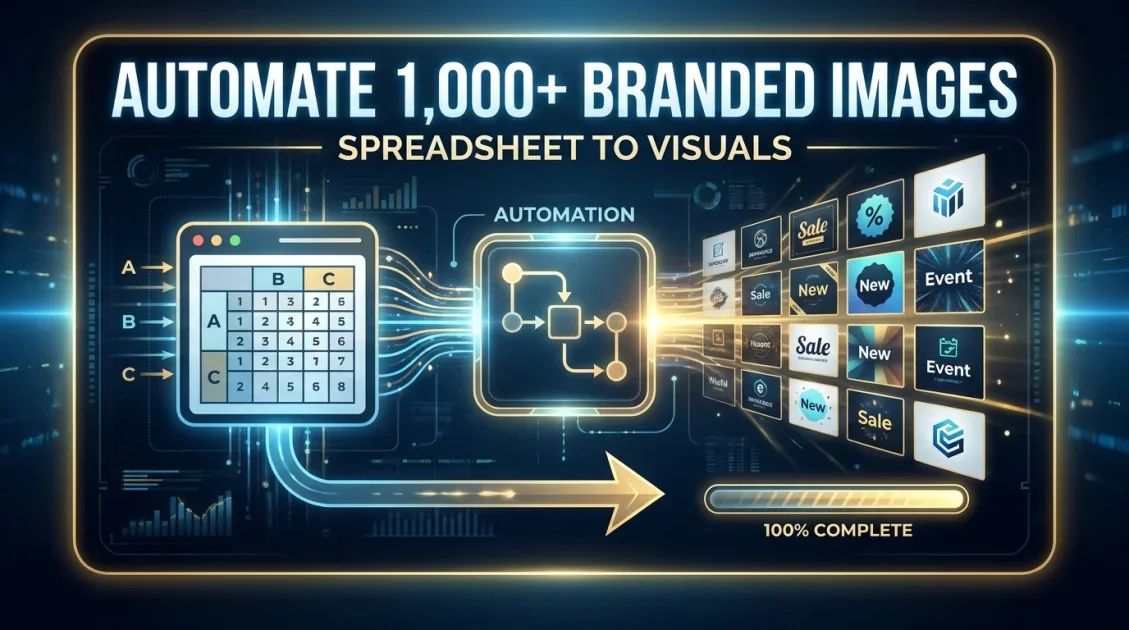
Build a template, connect your content calendar, and generate a full batch of Instagram graphics automatically through the API.
Automating Instagram carousels
Carousels consistently rank among Instagram's strongest-performing formats for saves and engagement, and they are also the format that benefits most from automation, since a single carousel post can require five to ten separate slide graphics that all need to stay visually consistent. Rather than designing each slide individually, a multi-slide template lets you define the shared layout once, then generate an entire set of slides from a single data source, with the same font, color, and logo placement carried across every slide automatically.
This is particularly useful for educational or listicle-style carousels, tips, statistics, or step-by-step content, where each slide follows the same visual pattern but carries different text.
Instagram image specs for automated posts
| Post type | Recommended aspect ratio | Recommended size |
|---|---|---|
| Single image feed post | 1:1 or 4:5 | 1080 x 1080px or 1080 x 1350px |
| Carousel slides | 1:1 or 4:5 (consistent across all slides) | 1080 x 1080px or 1080 x 1350px |
| Story | 9:16 | 1080 x 1920px |
Locking these dimensions into the template means every generated graphic exports at the correct size automatically, removing a common source of manual error.
Generate a full set of on-brand carousel slides from a single template and data source in one API call.
Best practices for automated Instagram graphics
- Batch a week or month at a time. Generate an entire posting cycle in one run, then load it into a scheduler rather than generating post by post.
- Vary the template, not just the content. Build two or three template styles so your grid does not look mechanically repetitive even though it is automated.
- Keep carousel slides visually linked. Reuse the same layout skeleton across all slides in a set so a swiped-through carousel reads as one cohesive piece.
- Pair automation with a content calendar. Automation handles the design; a spreadsheet or calendar tool still needs to hold the actual post copy and schedule.
Final Verdict
Who should automate Instagram post graphics?
Brands and creators aiming for a consistent 3-to-5-post-per-week cadence, or accounts publishing regular carousels, will save the most design time by moving to a template-based automation workflow. Accounts posting only occasionally, or relying entirely on one-off custom photography, have less to gain from this specific approach.
Recommended starting point: Bannerbear, for its visual template editor and support for multi-slide carousel generation from a single data source.
Ready to keep your Instagram grid consistent without the design bottleneck?
Build one template and generate your next batch of Instagram graphics automatically with Bannerbear.
Start Free →No credit card required to start.
Frequently asked questions
Can I automate Instagram carousels, not just single posts?
Yes. Template-based platforms can generate an entire set of carousel slides from one data source, keeping the layout, fonts, and colors consistent across every slide automatically.
Do I need design skills to set this up?
You need to design the template once, but after that, generating new posts requires no design work at all, just new data. Many platforms also offer pre-built templates to start from.
What image size should I use for automated Instagram posts?
Single feed posts work best at 1080 x 1080px (1:1) or 1080 x 1350px (4:5), while Stories should be sized at 1080 x 1920px (9:16).
Can I connect a spreadsheet to generate a month of posts at once?
Yes. Most template-based image APIs accept a spreadsheet, Airtable base, or CSV as a data source, so an entire month's worth of post copy can generate as finished graphics in a single batch.
Will automated graphics look repetitive on my grid?
Not if you build two or three template variations rather than relying on a single design. Rotating between a few styles keeps the grid visually varied while still staying on brand.
Comments (0)
Leave a Comment